
Less group-chat chaos.
More court time.
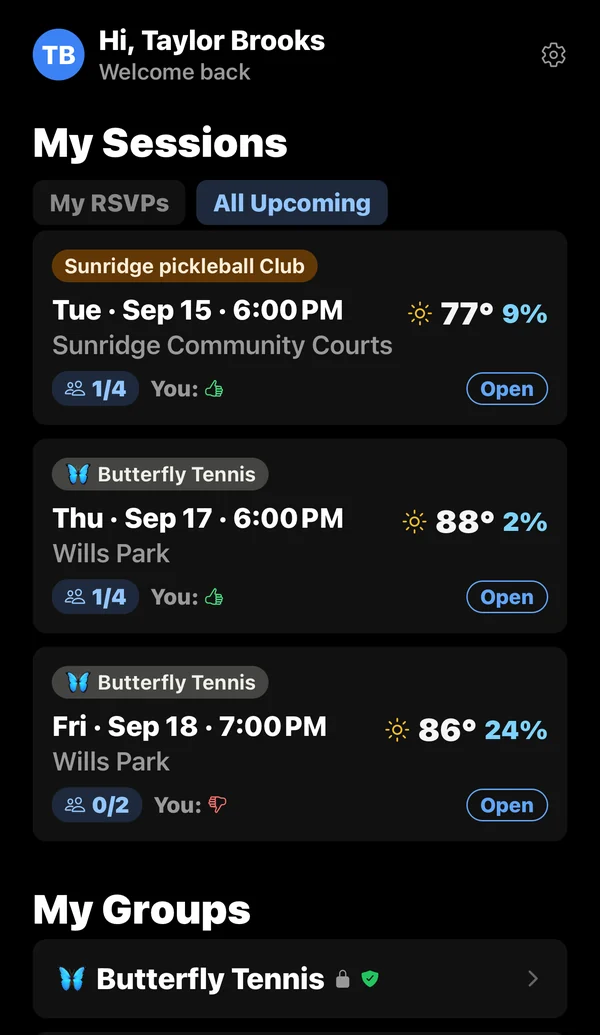
Private scheduling for your tennis, pickleball, badminton, table tennis, or squash crew. Propose a session, see who's in, and know who's on the way.


See Racqu in 30 seconds
How it works
-
Start a group
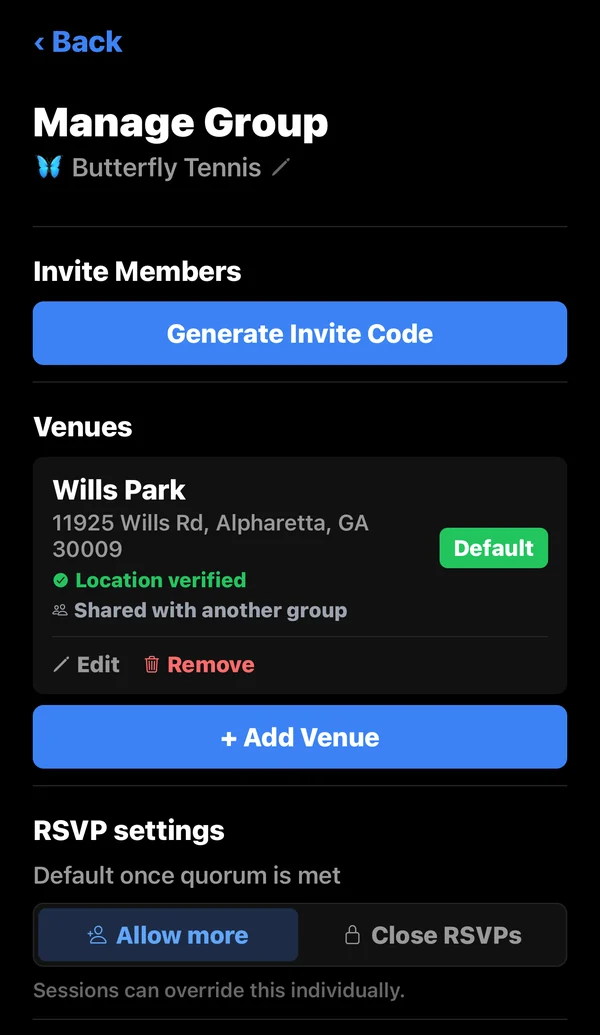
Add the courts you play at and invite your players with a private code.
-
Propose a session
Pick a time and venue. Everyone in the group gets a notification.
-
Play
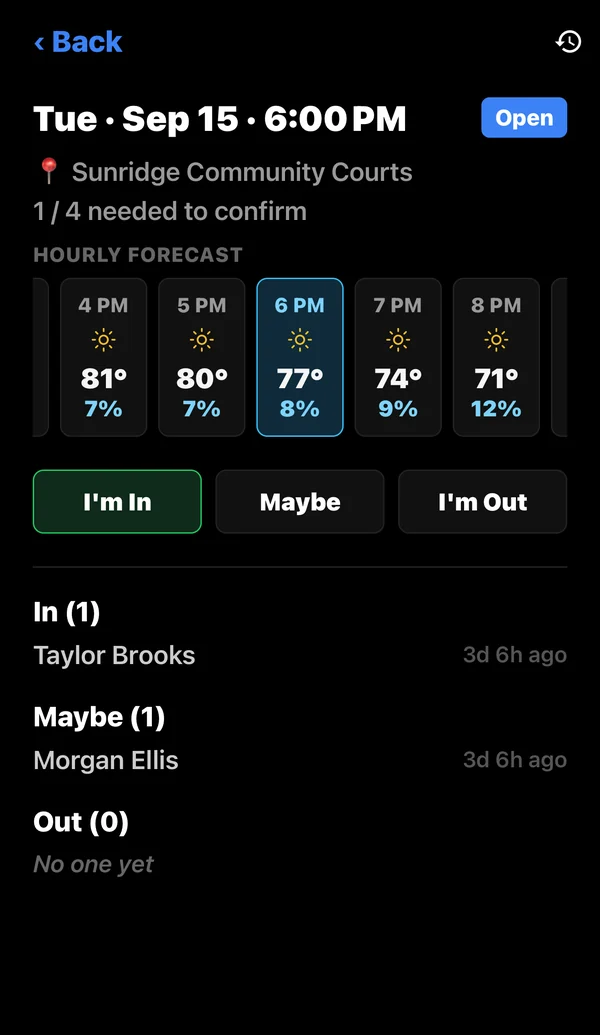
RSVPs roll in, and the session confirms itself once enough players are in.
Built for your crew
Private groups
Invite-only. Admins decide who joins and how the group runs.
Live headcounts
See who's in, who's a maybe, and when a session is confirmed.
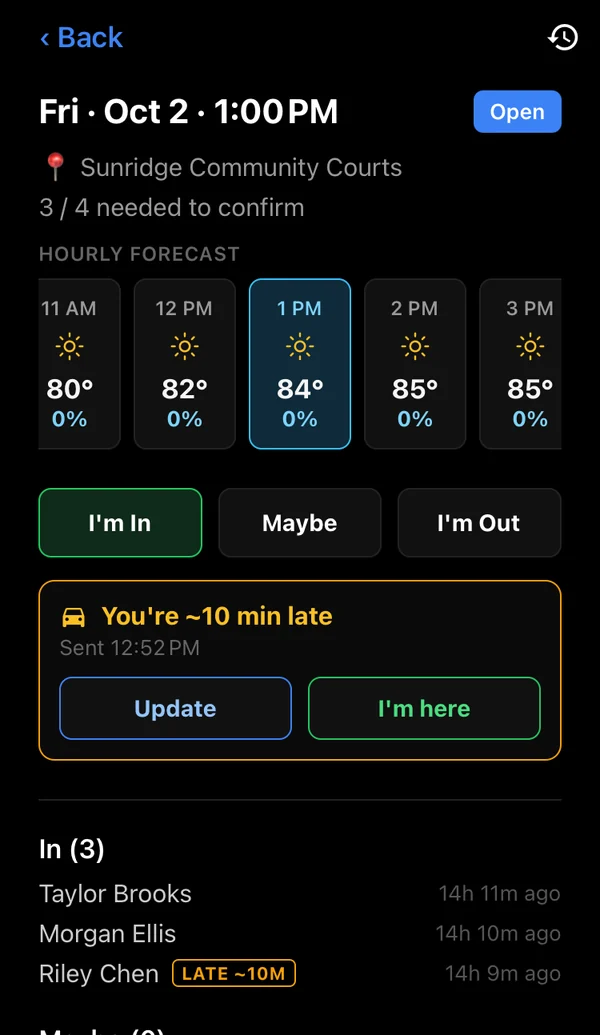
On My Way New
Let the group know you're on the way, or how late you'll be.
Court-side weather
An hourly forecast for every session, right where you RSVP.
Push notifications
New sessions, RSVP changes, updates, and cancellations, as they happen.
Any racquet sport
Tennis, pickleball, badminton, table tennis, and squash.
New to Racqu?
A step-by-step guide to your first group and session.
Get your group on Racqu
Free to download. Set up your group in a couple of minutes.